Add Guests Without Email: Because Not Everyone Lives in Their Inbox
Your grandma doesn't check email. Your uncle doesn't have one. Now you can add them to your guest list anyway — just a name is all you need.

The problem with email-only guest lists
You're planning a wedding. You've got 150 guests on the list. You start adding them to your event planning app and then you hit a wall: Grandma Rose doesn't have an email address. Uncle Tony has one but hasn't checked it since 2019. Your partner's family friends? You've got their names from the RSVP cards but no digital contact info whatsoever.
Most event planning apps assume every guest has an email. They make it the minimum requirement to exist on a guest list. But in the real world — especially for weddings, family reunions, and big cultural celebrations — a huge chunk of your guests simply aren't reachable by email.
So you end up with a gap: your digital guest list doesn't match your actual guest list. Your headcount is wrong. Your seating chart has missing people. Your planning tool isn't planning for everyone.
Just add them by name
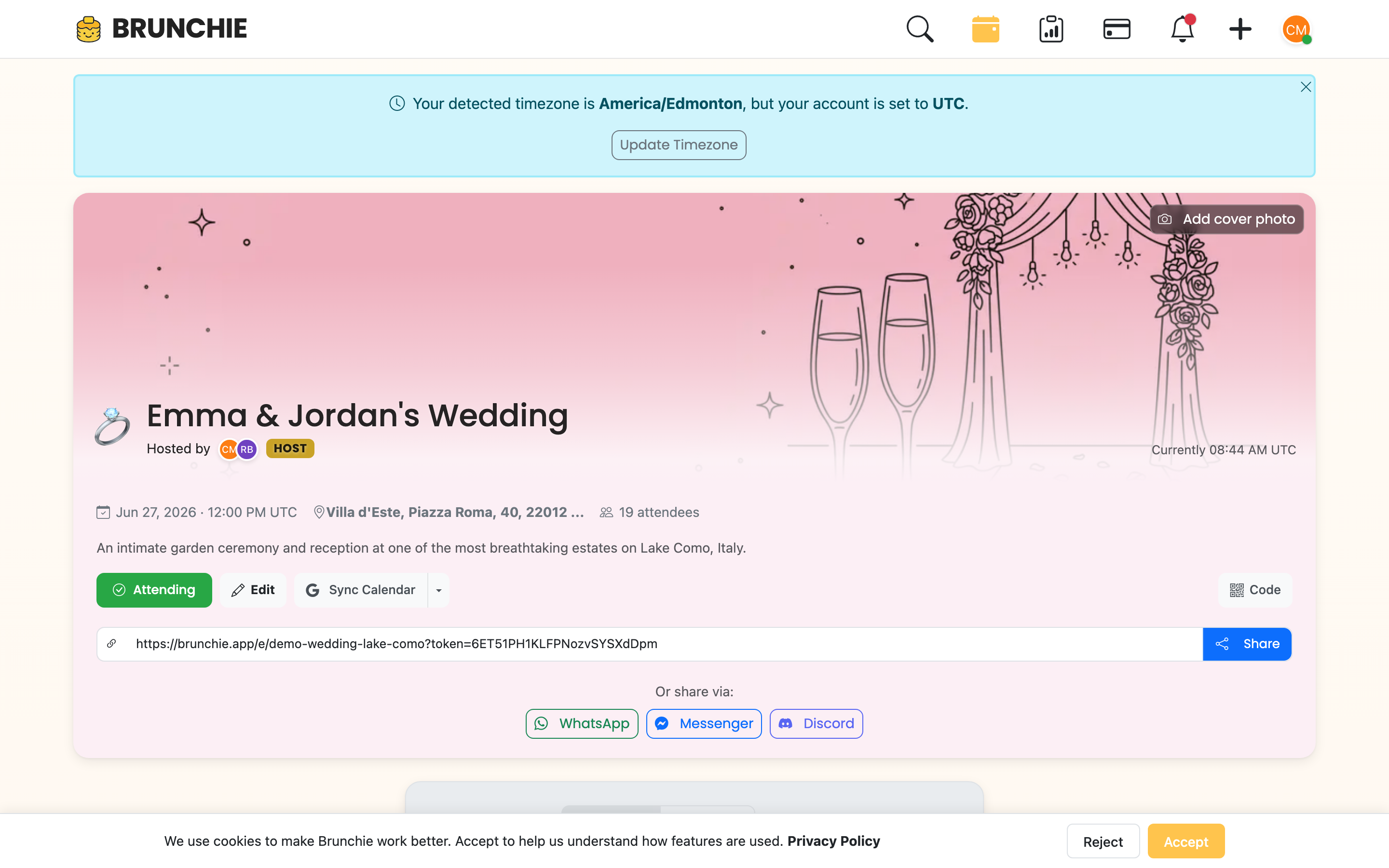
Brunchie now lets you add guests with nothing more than a first and last name. No email required. No account needed. They just exist on your guest list, ready to be counted, seated, and managed like any other guest.
Here's how it works:
- Open your hangout and click Invite Friends
- Click the Add by name tab
- Type names one per line — as many as you need:
Rose Martinez Tony Chen Maria Gonzalez - Click Add to list, then Send Invitations
That's it. They show up in your People tab with a person icon, and you can assign them to tables in your seating chart immediately.
Why this matters for weddings
Wedding guest lists are messy. They come from multiple sources — your parents' list on a napkin, your partner's family group chat, RSVPs trickling in from paper invitations. Not everyone on that list is going to sign up for an app or even have an email address you can find.
With name-only guests, your digital guest list can finally match reality. Every person gets counted in your headcount. Every person can be placed on a seating chart. No more keeping a separate spreadsheet for "the people the app can't handle."
Works with everything else
Name-only guests aren't second-class citizens. They:
- Show up in your People list alongside email-invited guests and friends
- Can be seated on seating charts with drag-and-drop or auto-assign
- Count toward headcount so your numbers are accurate
- Can be removed anytime if plans change
The only difference is they won't receive email notifications (because, well, there's no email to send to). The host manages their status directly.
Bulk entry for big lists
Got a long list? The Add by name tab uses a textarea — paste dozens of names at once, one per line. Brunchie validates that each line has a first and last name and flags anything it can't parse. No tedious one-at-a-time entry.
The bigger picture
This is part of Brunchie's approach to event planning: meet people where they are. Not everyone is tech-savvy. Not every guest has a smartphone glued to their hand. But every guest deserves to be on the list.
Whether you're planning a 200-person wedding or a family reunion with three generations, your planning tool should handle your actual guest list — not just the digitally convenient part of it.
Start adding guests by name — it's free, and it takes about 30 seconds.
Try Brunchie free
Brunchie replaces the spreadsheet, the group chat, and the half-finished invite list. Free forever for the people we built it for.
Get started