The Backyard BBQ and Block Party Plan: A Potluck Nobody Double-Brings, a Bracket, and the Photos After
A backyard BBQ runs on two numbers nobody tracks: how many are coming, and who's bringing what. Here's the one-link version — plus a cornhole bracket and the photos in one place.
A backyard BBQ feels like it needs no planning, which is exactly why it goes sideways. It runs on two numbers nobody actually tracks — how many are coming, and who's bringing what — and when both are fuzzy you end up grilling for forty when twenty showed, staring at five potato salads and zero buns.
A block party is the same problem with more people and a couple of neighbors you've never emailed. This is the backyard layer on the summer group hangouts playbook — one link that nails the headcount, the potluck, and the photos, with a tournament thrown in.
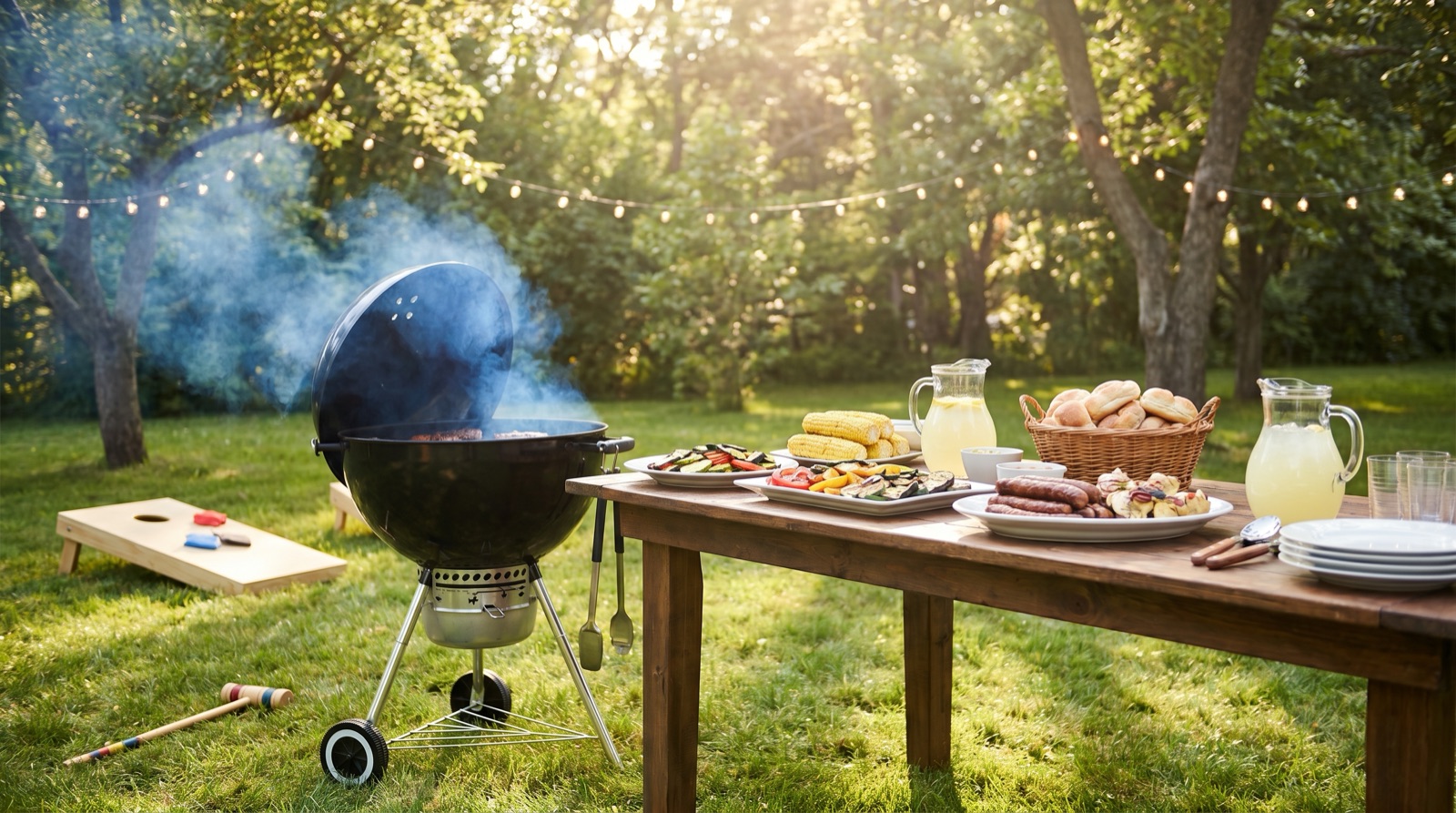
Decide: a real headcount before you buy the meat
The single most expensive guess at a BBQ is how much to buy. Fix it with an RSVP-by date a few days out. Once it passes, the count stops drifting and you shop for the people actually coming — not the optimistic high number, not the people who said "probably!" and went to the lake instead.
A quick poll handles the rest: the date, and whether it's a full potluck or hosts-provide-and-you-bring-drinks. Settle it early so the potluck list can open.
Personal note — "RSVP by Thursday" isn't being uptight, it's being kind to your own grill. The deadline is what turns "should be around 25?" into a number you can buy against.
Coordinate: the potluck list everyone can see
This is where the new per-guest permissions quietly save the party. Put a potluck checklist on the hangout and make it visible and editable to all guests — so people claim their own line: a side, a case of drinks, dessert, the ice, the extra chairs. Everyone sees what's covered and what's still open, in real time. No triple coleslaw, no missing buns.
Keep your own setup off that list with a hosts-only checklist — the prep run, the "borrow the second cooler," the "hide the good chairs" — that guests never see. (How the visibility settings work is in the spreadsheets guide; they apply to checklists too.)
For a block party, invite the neighbors as external guests by email — they see the plan and the potluck list on the link without downloading anything. And if you're tight on space, set an attendee cap so it doesn't quietly become a hundred people.
Spend: only if it's shared
Plenty of BBQs are just "hosts cover it," and that's fine — skip this entirely. But if the meat, the keg, and the table rentals are a shared cost, log them and split across the adults coming. Settle-up squares it in one payment each, recorded as people pay you back — a clean ledger, not an auto-charge. (Mechanics in the expense splitting guide.)
The backyard bracket
The thing that turns a good BBQ into the one people talk about is a tournament. Open the hangout's Docs tab, add a bracket, paste in the player names, and Brunchie draws a single-elimination cornhole or spikeball bracket — byes handled, no seeding math. Tap the winner of each match and they advance automatically; the champion posts to the feed. Everyone follows it live on the share link, no account needed to watch. Full walkthrough in the bracket guide.
Personal note — the bracket is undefeated as a way to get the quiet cousin and the loud neighbor talking. Nothing bonds strangers like a cornhole upset.
Remember: grill shots and the sprinkler chaos, in one place
The shared album collects it all — the grill action, the kids in the sprinkler, the bracket final — uploaded straight from everyone's phones into one place instead of scattered camera rolls. The feed keeps the running commentary and the bracket results, and the guestbook catches the toast and the trash talk in a quick voice note or video. If you've got a photobooth going, those shots post themselves in too.
The backyard party on one hangout
A BBQ doesn't need a project plan — it needs a real headcount, a potluck list nobody double-fills, an optional clean split, and the photos in one place. Add a bracket and it's the party of the summer. One hangout holds all of it.
Start with the summer group hangouts playbook, or take it to the water with the group lake day plan and the pool party that doesn't overflow. One link, whole crew, grill on by noon.
Common questions
How do we stop everyone from bringing the same thing?
How do we get a real headcount for how much meat to buy?
Can we run a cornhole or spikeball tournament without a separate app?
Try Brunchie free
Brunchie replaces the spreadsheet, the group chat, and the half-finished invite list. Free forever for the people we built it for.
Get started