Cap Attendance for Recurring Hangouts: Pickleball, Hockey, Badminton & More
Replace the group-chat headcount game with a live RSVP cap: one link, first come first served, and costs you can split in Brunchie after the game.
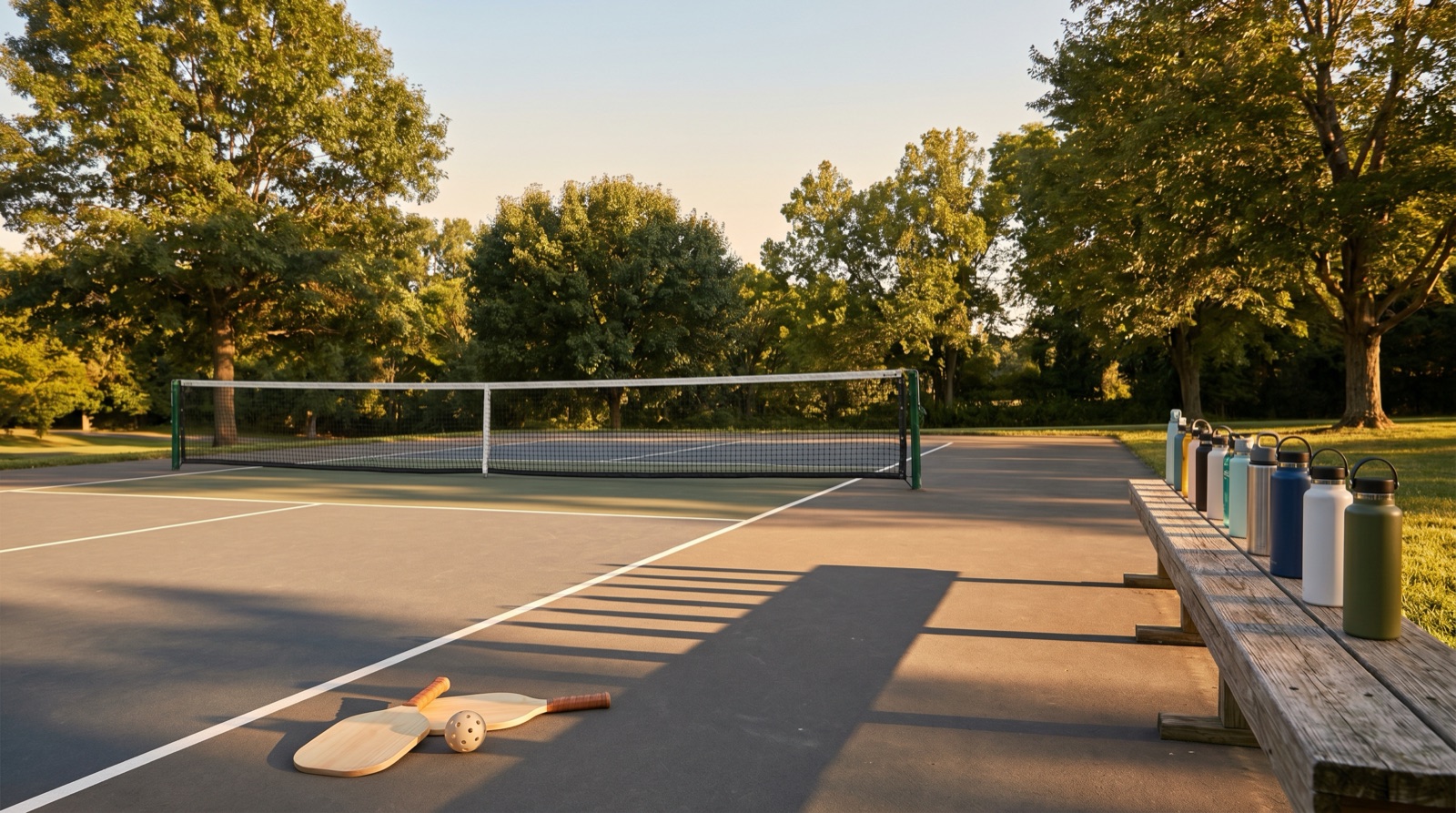
When message eight lands and nobody trusts the headcount
You know the pattern. Someone drops a roll call in the group chat:
- Sam
- Priya
The next person can't just say "in" — they have to replay the whole list and add themselves. By the time you're at eight messages deep, half the thread is out of date, someone edited their reply, and you're still not sure who actually has a spot on Saturday.
What that is: a human-powered database with no single source of truth.
Why it hurts: you're trying to book the right number of courts, rink slots, nets, lanes, or tables off a signal that was never reliable.
So what: you need a place where each person taps their own status and everyone sees the same number — not a copy-pasted list that ages the second it sends.

Attendee limit lives on the hangout edit form — set the max once so late taps hit a capacity wall instead of you sorting it out manually.
Same circus, bigger stage: comments, "me + 1," and DMs that never made it back to the thread
Post in a community group: "Pickup pickleball tonight — who's in?" or "We need eighteen skaters for ice time tomorrow" gets the same chaotic soup of "in," "me + 1," "can't make it anymore," "actually I can come now," and three people who DM'd you instead of replying.
If you've ever tried to merge that back into a clean headcount at 10pm on a Thursday, you already know the feeling. (I have — it's why we care about this flow.)
So what for hosts: one shareable hangout link in the post or chat puts RSVPs, changes, and the live count in the same place. No archaeology through replies.
What breaks when headcount is fuzzy
You reserve two pickleball courts for twelve players, advertise badminton ladders for twenty, or ice time for eighteen skaters. You ask "who's in?" and the thread overshoots the booking — you're either the villain saying no at the door or you scrambled too few slabs of ice while paying for empty bench.
Courts and rinks are not special cases. Basketball runs, run clubs, chess night with limited chairs, pottery wheels, cooking classes — anything with a finite surface turns the organizer into a human turnstile.
Brunchie's answer is simple: treat the RSVP list as infrastructure, not improv comedy.
Plan a hangout
Pick a time in minutes
Set the who/when/where and keep details in one place.
First come first served — without recounting threads
Brunchie lets you set an attendee limit on a hangout. Set it to 12, and the first 12 guests who tap Attending lock in. Person thirteen sees that the hangout is at capacity and can't RSVP as attending until a spot opens.
No reply chains. No "sorry, we're full" guesswork — the app enforces what you configured.
Here's what keeps recurring games sane:
- The limit is automatic. Set the number once; Brunchie enforces it.
- Spots reopen in real time. When someone flips to Maybe or Can't go, the next person can grab the seat.
- Invites aren't capped. Invite the whole roster — only "Attending" hits the limit.
- Hosts and cohosts don't get squeezed out. You shouldn't have to sprint your own event for a slot.

Sports templates (wizard chips still include volleyball, pickleball open play and more) ride the same carousel as weddings or trips — lock a chip once and skip the blank form.
Screenshots and field-level detail live in our Attendee Limits setup guide.
Jump to Pickup courts & ice time for the condensed checklist (the slug still says volleyball so older links resolve — the playbook itself is sport-agnostic below the template name).

People tab on a demo hangout: attending / maybe / pending states stay legible without replaying sixteen chat messages.
Court bookings, money splits, and the end of hunting for bank details
Court fees, rink slots, dome time — the invoice is predictable; the awkward part is collecting from the group afterward. Paste bank details into a chat ten times and someone still "forgets."
What expense splitting gives you: one tab on the hangout where you log the booking (even split works great for rentals), balances update as people mark paid, and settle-up shows each person's preferred payment methods they've saved — so nobody has to crawl DMs for a Venmo handle. That's the boring infrastructure that kills the scramble.
Guests need a fixed headcount for expense math (no plus-one bounce). Attendee caps and plus-ones are mutually exclusive — if you want both the cap and the Expenses tab, keep plus-ones off for that hangout. Full policy wording is in the Expense Splitting guide.
We're still iterating on payments collected at RSVP time. Today, logging the court as an expense plus settle-up afterward is how you mirror "split what we actually owed" responsibly.


Rental receipts logged like any other hangout expense: everyone sees balances, settle-up simplifies who pays whom.
Interactive previews (no sign-in):
- Hangouts demo — https://brunchie.app/hangouts/demo
- Expenses demo — https://brunchie.app/expenses/demo
- Settle Up demo — https://brunchie.app/settle-up/demo
Fair warning on waitlists from the trenches: founders have definitely over-promised a waitlist verbally while hyping capped pickup games — the disciplined version of that story today is cap + live count + spots reopen automatically when someone drops. Watch the product changelog for automated waitlists down the road; until then, let the RSVP surface be the authority.
How to set it up
Step 1: Create (or copy) a hangout
Create a hangout for this week's game — or tap Copy from past hangout at the top of the form so title, venue notes, attendee limit, and theme roll forward from last week's game. Flip the date and you're live.
Shortcut: tap Volleyball Scrimmage (or Pickleball Open Play / Sports Practice) from the wizard carousel for the itinerary + sheet pairing — then retitle for pickleball ladders, badminton ladders, shinny hockey, curling draws, or whatever your crew actually plays. Full chip list lives in the template picker guide.
Step 2: Toggle the attendee limit
In RSVP settings, flip on Attendee Limit and type the usable guest max (subtract hosts if they don't count toward the rental headcount you're protecting).
If you need fuzzy plus-ones, leave the limit off — but then expenses stay off too. Same tradeoff baked into Brunchie's math.
Step 3: Invite your roster
Shoot email invites from Brunchie, drop the hangout URL into your group chat, or pin it in the Facebook comment thread you're replacing — everyone lands on identical event detail + RSVP UX.
Pending invites remain unlimited so you can ping stragglers without bumping locked-in guests.
Step 4: Let it run until game time
Guests RSVP on their own clock. Latecomers who miss the cutoff see honest capacity messaging. Drops reopen seats automatically — no stealth edits buried five scrolls deep in Messenger.
Want screenshots of the RSVP form and capacity meter? That's all in Attendee Limits.
Works for one-off events too
Limit logic isn't only for weekly ice or court blocks:
- Dinner reservation for eight — cap at eight.
- Workshop with twenty chairs — cap at twenty.
- Camping trip with six tent pads — cap at six.
The RSVP modal always shows what's left — useful for newcomers who weren't in the Discord when you last updated the tally.
Get started tonight
Spin up one capped hangout, paste the URL where your chaotic thread used to live, and let Brunchie's guest list absorb the ambiguity. Explore the demos above without creating an account, or jump straight into the pickup courts & ice playbook when you crave a tighter checklist.
You already did the hardest part — rallying crews on short notice. Let the RSVP layer be the easy part.
Try Brunchie free
Brunchie replaces the spreadsheet, the group chat, and the half-finished invite list. Free forever for the people we built it for.
Get started