Your Guest List in One Place: Import, Track, Manage
No more scattered spreadsheets and paper lists. Import your guest list once, track RSVPs, and manage seating—all in one app.

The Scattered Guest List Problem
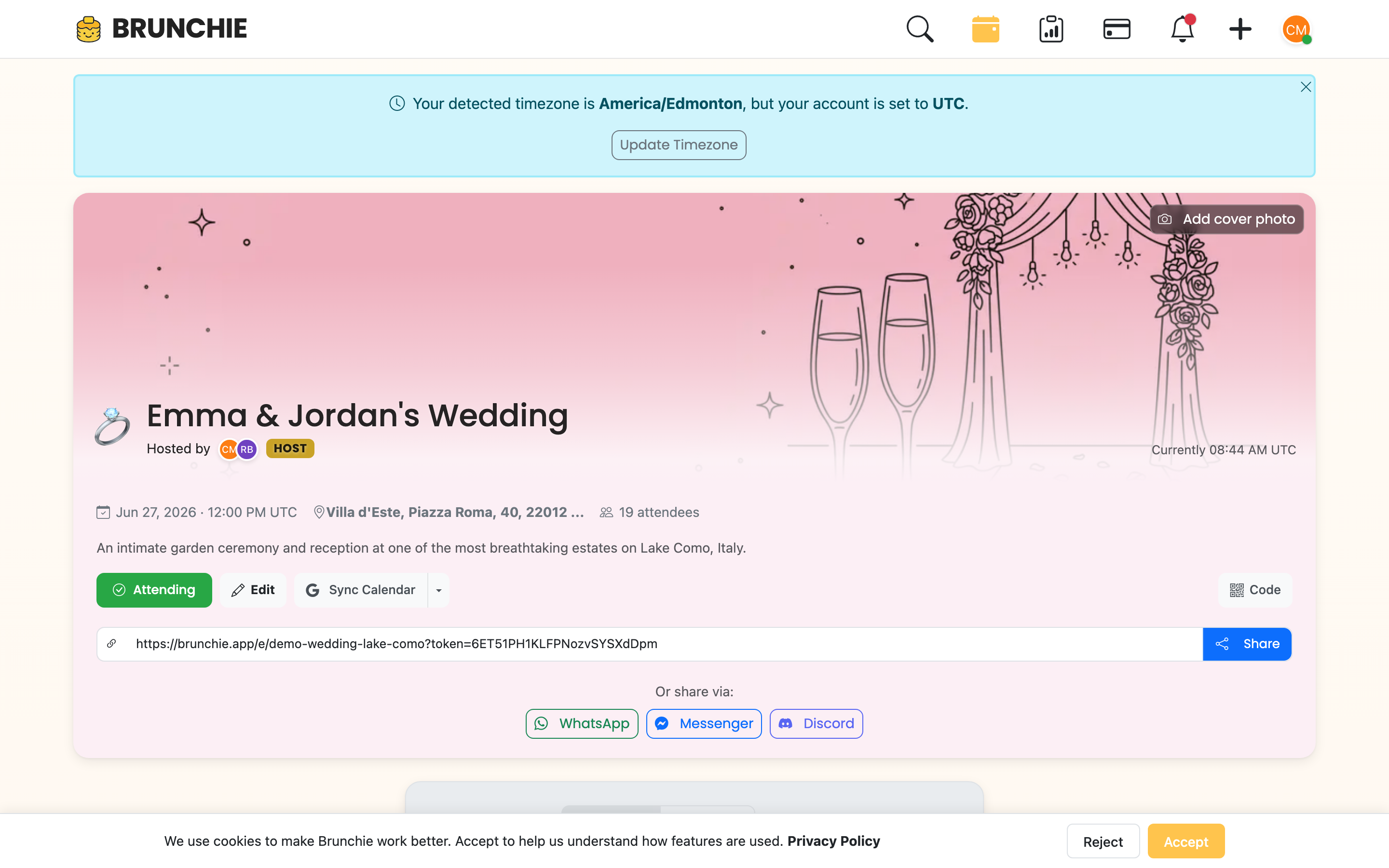
Every couple who's planned a wedding knows this feeling. Your guest list lives in four places: a spreadsheet your mom started, a notes app on your phone, a Google Doc your partner shared, and a paper list from your future in-laws scrawled on the back of an envelope.
None of them agree. None of them are up to date. And when someone asks "How many people are coming?" you have to cross-reference three sources and do mental math.
Guest list management shouldn't be this fragmented. Here's how to get your entire list into one place and keep it there.
Why Scattered Lists Cause Real Problems
It's not just inconvenient. Scattered guest lists lead to actual mistakes:
- Double-counting guests. When the same name appears in two lists with slightly different spellings, you might count them twice or, worse, send two invitations.
- Missing plus-ones. One list has "John + guest" and another just has "John." Which is right?
- Seating chart disconnects. You build a seating chart from one list, but the RSVP tracking is in another. Now Table 6 has a confirmed guest who was never assigned a seat.
- Budget surprises. If your count is off by even ten people, that's a significant catering cost difference.
The fix isn't a better spreadsheet. It's having one source of truth that connects your guest list to everything else.
Bring What You Already Have
Most couples don't start from scratch. You've already got names somewhere — an Excel file, a CSV export, a Google Sheet. The key is getting those names into a system that can actually do something with them.
With Brunchie today, the fastest path is the Upload file tab in the invite modal — drop your .xlsx, .csv, .pdf, or even a screenshot of a printed list. Brunchie's AI reads it, you confirm the parsed rows on a review screen (low-confidence rows highlight in amber), then click Send invites to N. Nothing emails until you confirm, so a half-imported list never accidentally pings half your wedding party. Prefer paste? Select the name column in your Sheet, copy, and paste into the Add by name tab — comma, newline, and tab-separated lists all work. See bringing an Excel guest list in for the full walkthrough.
If you've been tracking things in spreadsheets, check out how Brunchie handles wedding spreadsheets to see how your existing data fits in.
What to Include When You Import
At minimum, your guest list should capture:
- Full name (first and last)
- Email or phone (for invitations and communication)
- Party size (are they bringing a plus-one? Kids?)
- Side (bride's guests, groom's guests, mutual)
- Group (family, college friends, work colleagues)
Groups matter more than you think. When it comes time to build your seating chart, knowing that someone is in the "college friends" group saves you from seating your roommate next to your boss.
Track RSVPs Without the Guesswork
Once invitations go out, the real chaos begins. RSVPs trickle in through different channels. Some people reply to the formal invitation. Some text your mom. Some tell your partner at work. Some just never respond.
Most couples end up manually updating a spreadsheet every time they hear back from someone. It works until it doesn't, which is usually around week three when you forget to log that your cousin said yes at a family dinner.
A proper guest list tool tracks RSVP status in the same place the names live. When someone confirms, declines, or is still pending, it's visible at a glance. You can see exactly where you stand: 85 confirmed, 12 declined, 43 still waiting.
The Follow-Up Problem
Here's something most apps don't handle well: following up with people who haven't responded. You need to know who hasn't replied so you can nudge them. With a scattered system, identifying those people means comparing your RSVP list against your full list and finding the gaps. That's tedious and error-prone.
When your guest list, invitations, and RSVPs all live in one place, pulling up "who hasn't responded" is instant. You can see the stragglers and follow up directly.
Connect Your Guest List to Your Seating Chart
This is where a unified guest list really pays off. Your seating chart should pull directly from your confirmed guest list, not be a separate thing you build from memory.
When guest data and seating data are disconnected, you end up with phantom guests (people on the seating chart who actually declined) and orphan guests (people who confirmed but have no seat assignment). Both are bad on the wedding day.
Brunchie connects your guest list directly to your seating chart. Confirmed guests are available for seating assignment. Declined guests aren't. If someone's RSVP status changes, your seating chart reflects it.
For a deep dive into seating charts specifically, see our wedding seating chart guide. And if you want to save time on assignments, check out how smart auto-assign works.
Managing List Changes (They Will Happen)
No guest list is final until the day of the event. People cancel. People ask to bring extra guests. Estranged relatives reconcile. New partners appear.
Your system needs to handle changes gracefully:
- Adding guests late. It should be easy to add someone and immediately see whether your table count still works.
- Removing guests. When someone declines, their seat should become available, and your headcount should update.
- Swapping plus-ones. "Can I bring my sister instead of my boyfriend?" Sure. One edit, not three.
Spreadsheets technically support all of this, but every change requires manual updates in multiple places. A connected system updates everything downstream automatically.
Beyond Weddings: Any Event Guest List
While weddings are the most complex use case, the same principles apply to any event with a guest list. Holiday parties, milestone birthdays, corporate dinners, reunion events. If you need to know who's coming and where they're sitting, you need a single source of truth.
For smaller events, the setup is even faster. Create your event on Brunchie, add your guests, and you're done. No import needed for a group of twenty. Check out our birthday party setup guide or holiday party planning post for more on non-wedding events.
The One-Place Checklist
Here's what "one place" should actually mean for your guest list:
- All names in a single system (imported or manually entered)
- RSVP status tracked where the names live
- Guest groups and categories for seating and planning
- Direct connection to your seating chart
- Easy exports if you need to share with vendors
- Accessible to both partners (and anyone else helping plan)
If your current setup doesn't check all of these boxes, it's costing you time and creating risk for mistakes.
Get Started
Stop maintaining parallel lists. Import your guest list into brunchie.app, connect it to your seating chart, and have one place where everything is accurate and up to date. Your future self, the one addressing place cards at midnight, will be grateful.
Try Brunchie free
Brunchie replaces the spreadsheet, the group chat, and the half-finished invite list. Free forever for the people we built it for.
Get started