Best recurring pickup game app for Canada — volleyball, badminton, pickleball, hockey, and more
One free app to run your recurring Canadian pickup game — volleyball in Toronto, badminton in Vancouver, pickleball in Calgary, hockey shinny in Edmonton, basketball in Montreal. RSVP, capacity, waitlist, court fees, recurrence. No sport-specific silo.
Best recurring pickup game app for Canada — volleyball, badminton, pickleball, hockey, and more
You run a recurring pickup game somewhere in Canada. It doesn't matter which sport — volleyball in the GTA, badminton in Vancouver, pickleball in Calgary, shinny hockey in Edmonton, three-on-three basketball in Montreal, indoor soccer in Winnipeg. The problem is the same: you're the one who booked the court or the ice, you're on the hook for the rental fee, and you're spending more time managing the headcount and chasing payment than actually playing.
This is that problem, solved, in one free app.
What this is
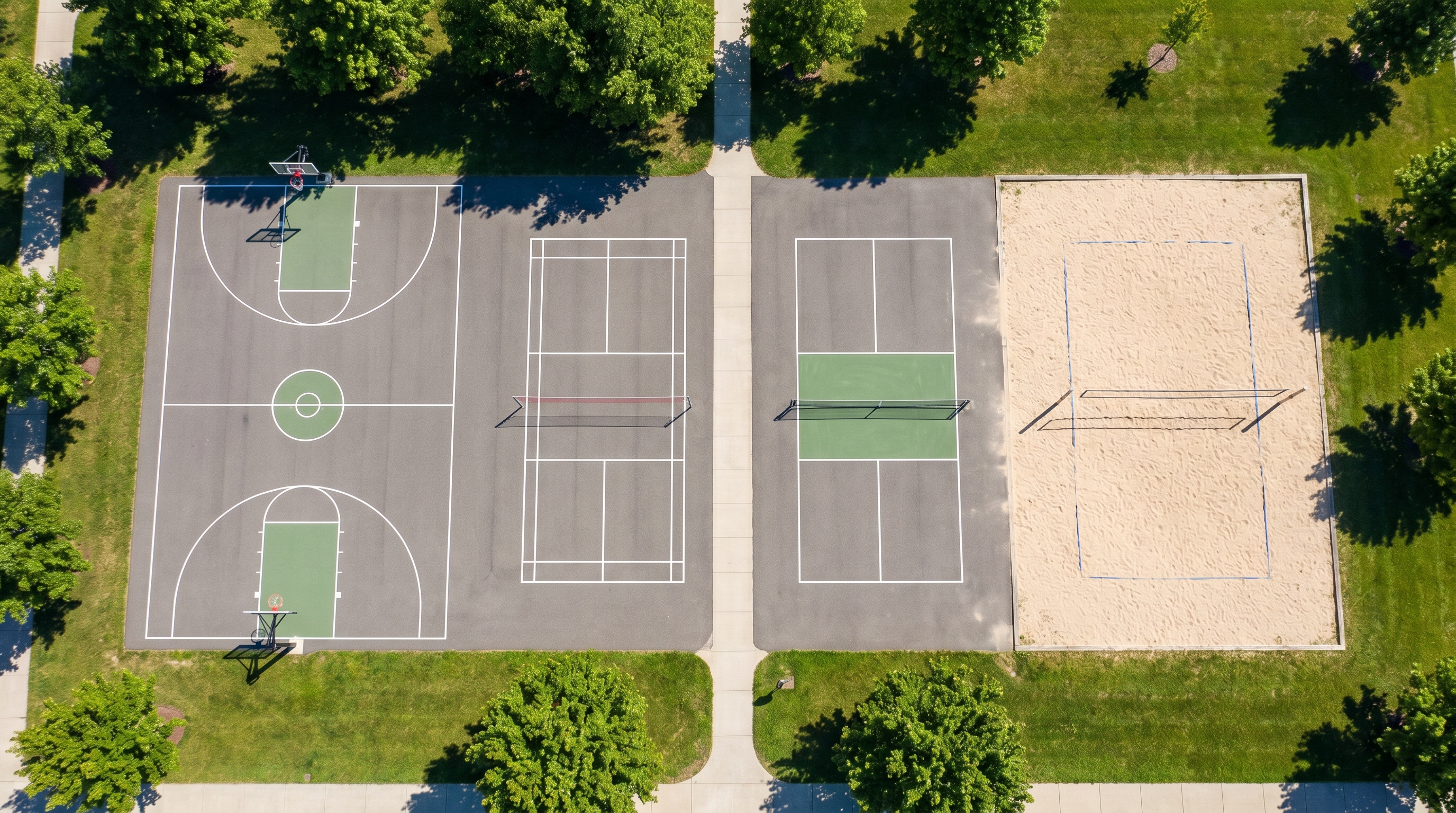
Brunchie is the free multi-sport recurring-pickup-game organizer app for Canadian hosts. One template — Court / Sports Session — covers volleyball, pickleball, badminton, basketball, soccer, hockey, padel, tennis, and whatever comes next. The sport is the title and description you set; the app doesn't silo you. RSVP, capacity, waitlist, automatic open-spot notification to pending invitees, court-fee collection, and recurrence in one surface.
This is the synthesis post. The city-specific deep dives — Toronto volleyball, Vancouver badminton, Calgary pickleball — go into the booking realities of each rec scene. This post covers the pattern that holds across all of them.
The full system is in the recurring sports group guide. Read this post when you want the Canadian-specific framing; read the guide when you want the in-app walkthrough.
The recurring-pickup-game problem is the same in every Canadian city
The sport changes. The problem doesn't.
In Toronto: you're at North Toronto Memorial or Driftwood for volleyball on Tuesdays. The GTA volleyball scene means there's always someone trying to get into a group, always someone bailing last-minute before the gym slot.
In Vancouver: you're at Hillcrest or Trout Lake or Killarney for badminton. Multi-court shuttlecock costs split differently every week depending on who shows. The Pacific Spirit club crowd comes and goes. WeChat is how your group communicates.
In Calgary: you're at Glenmore or Trico Centre for pickleball from October to April, then at Shouldice outdoor when the snow stops. The seasonal flip means two different booking windows and a roster that shifts between indoor and outdoor players.
In Edmonton: you're at an ice rink for hockey shinny — the ice time fee is fixed regardless of headcount, so no-shows are a real cost, not just a social irritation.
In Montreal: you're at a YMCA or a community-league gym for basketball three-on-three, managing a roster that speaks French and English and expects pickup to be genuinely pickup, not a structured session.
What's the same: the person who books the venue is on the hook for the rental fee regardless of headcount, and managing confirmation + collection is a second job nobody signed up for. A group chat scales to about eight people before RSVP archaeology starts. Venmo and Interac work for one person collecting from one person. Neither is built for recurring groups.
Brunchie is built for exactly this.
So what — the organizing pattern across every sport
Decide
Pick the Court / Sports Session template in the Brunchie hangout wizard. Name the hangout for your sport — "Tuesday volleyball at Driftwood" or "Trico pickleball — Thursday nights" — and set the cap to match your actual booking. Brunchie's default cap is 8 across the board; the table below gives recommended caps for common Canadian rec-centre configurations. These are your starting points — adjust to match your actual booking:
| Sport | Recommended cap | Why |
|---|---|---|
| Volleyball | 12 | 2 courts × 6 players |
| Badminton | 12 | 2 courts × 6 players |
| Pickleball | 16 | 4 courts × 4 players |
| Basketball | 10 | Full-court 5-on-5 |
| Soccer (indoor) | 14 | 7-on-7 |
| Hockey (shinny) | 16 | 8-on-8 |
| Padel | 8 | 2 courts × 4 players |
Brunchie's default cap is 8 across the board — set your cap before sharing the link. Max is 40.
Adjust the cap to match your actual booking. If your Edmonton ice time is for 20 skaters, set 20. If you've only got one Calgary pickleball court at Glenmore, drop to 4.
Drop the rental math in the description — it takes thirty seconds and saves a week of DMs: "Ice time at the rink is $180 for 75 minutes. Split across 16 confirmed = $11.25 each." That's the actual number. Every player sees it when they RSVP.
In the When step, open the Repeats? combobox and set the recurrence — Weekly, Every other week, or Monthly with an end date (the field is labelled "Ends on"). Brunchie pre-creates the next sessions so your players see the next month, not just this week.
Coordinate
Share one link. That's it.
Your players RSVP without accounts — no app download required, no new login, no "I'll get around to signing up." The link goes in the WhatsApp thread, the WeChat group, the Discord server, the iMessage chain, wherever your group already lives. Players tap it, type a name, and RSVP. Done.
The capacity bar fills. Once it hits the cap, the next player joins the waitlist automatically. When someone declines (the Thursday bail, the "something came up" text that arrives two hours before puck drop), Brunchie auto-promotes the waitlist head and notifies them — no host action required.
If the waitlist is empty when a spot opens, Brunchie automatically notifies your pending invitees — the people you invited who haven't responded yet — that a spot is available. They claim it in one tap. No group-chat-janitor begging. If you want to recruit beyond the invited list, post in the hangout — it fans out to all attendees.
This is where the group chat falls apart: it can't track who confirmed, can't close at capacity, can't notify the waitlist, can't auto-ping pending invitees when a slot opens. You end up doing all four manually, every week, for a game you'd rather just play.
Spend
Canadian pickup groups are almost universally running on Interac e-Transfer for manual settle-up. That's the right tool for informal groups where players trust each other. Interac is available in your wallet under additional payment methods — Brunchie's Expenses section inside the Planning tab supports it natively. Log the court rental (or ice time, or permit fee, or field booking), list yourself as payer, set the split across confirmed players, and each player sees what they owe you. The math is done.
The harder problem is no-show protection — RSVP locked to payment at sign-up so no-shows still cover the ice time or court fee. That's on the roadmap and coming soon. The court-fee collection breakdown is in the How to collect court fees from players post.
Remember
The Posts tab is the single feed for everything that happened — game photos, "great play from Marcus in the third period" notes, the rotation we tried that actually worked, the "bring your own water" logistics reminder. Each session in the recurring series carries its own post history.
For multi-sport groups that rotate sports by season (volleyball in fall, basketball in winter, soccer in spring), the series structure accommodates each sport as its own series — same player list, different title and cap, same Brunchie home.
The Canadian-specific wrinkles Brunchie handles
Interac as the default. Unlike US groups that default to Venmo or Cash App, Canadian pickup groups default to Interac e-Transfer for informal splits. Interac is available in your wallet under additional payment methods alongside Venmo and PayPal — your players see "Interac to [your email]" as the settle-up instruction, not a US-centric payment prompt.
Multi-city rosters. Some Canadian recreational sports groups (especially at the city-border communities — GVA's North Shore players driving into Vancouver, GTA players coming from Mississauga or Markham) have players in two different cities who need the same RSVP link. Brunchie's link-based RSVP works anywhere with a browser, no geographic restriction.
French + English. Brunchie's RSVP surface and notifications are English-only right now. It's on the backlog. Montreal and Quebec City organizers can get the most out of the system by writing the description in both languages — the hangout description supports it.
Personal notes from the founder
I started this for my own badminton group in Vancouver. But the organizer problem — book the court, chase the headcount, chase the payment, find a body when someone bails, do it all again next week — is identical for volleyball in Toronto, pickleball in Calgary, hockey in Edmonton, basketball in Montreal. Different sport. Same second job that nobody asked for.
The goal is to make the host's job so thin they barely notice it: set up the hangout once, hit repeat, share the link, let the app handle the rest. Your players confirm, your waitlist fills automatically, your pending invitees get pinged when a spot opens. You show up to play.
If your specific city's rec scene has a quirk not covered here — specific venue booking systems, payment-method norms, language, sport format — tell me. The Canadian organizer experience is version 1 of a much longer list.
TL;DR — recurring pickup game app for Canada
- One template for all sports — Court / Sports Session covers volleyball, badminton, pickleball, hockey, basketball, soccer, padel, and more. The sport is the name you give the hangout.
- RSVP without accounts — share one link in whatever chat your group already uses.
- Capacity + waitlist — auto-promote on decline, no host action required.
- Open-spot auto-ping — when the waitlist is empty, Brunchie automatically notifies pending invitees that a spot opened up.
- Interac settle-up — available under additional payment methods in your wallet; Expenses tab does the per-player math automatically.
- Recurrence built in — weekly, every other week, monthly with end date, next sessions pre-created.
- Season switch — end one series, start a new one, player list carries.
- Free. No premium tier, no per-player fee, no hidden costs.
Start your recurring group at brunchie.app/hangouts/new — pick Court / Sports Session, set the cap (default 8 — bump to the recommended number for your sport), hit repeat, share the link, stop being the group-chat janitor.
For the full in-app walkthrough, see the Run a recurring sports group on Brunchie guide. City-specific: Toronto volleyball, Vancouver badminton, Calgary pickleball. Court-fee collection specifics: How to collect court fees from players.
Try Brunchie free
Brunchie replaces the spreadsheet, the group chat, and the half-finished invite list. Free forever for the people we built it for.
Get started