Your shared wedding photo album is already built in
The QR-code-to-Google-Photos tradition is how 40% of your wedding photos disappear. Here's the version that actually works.
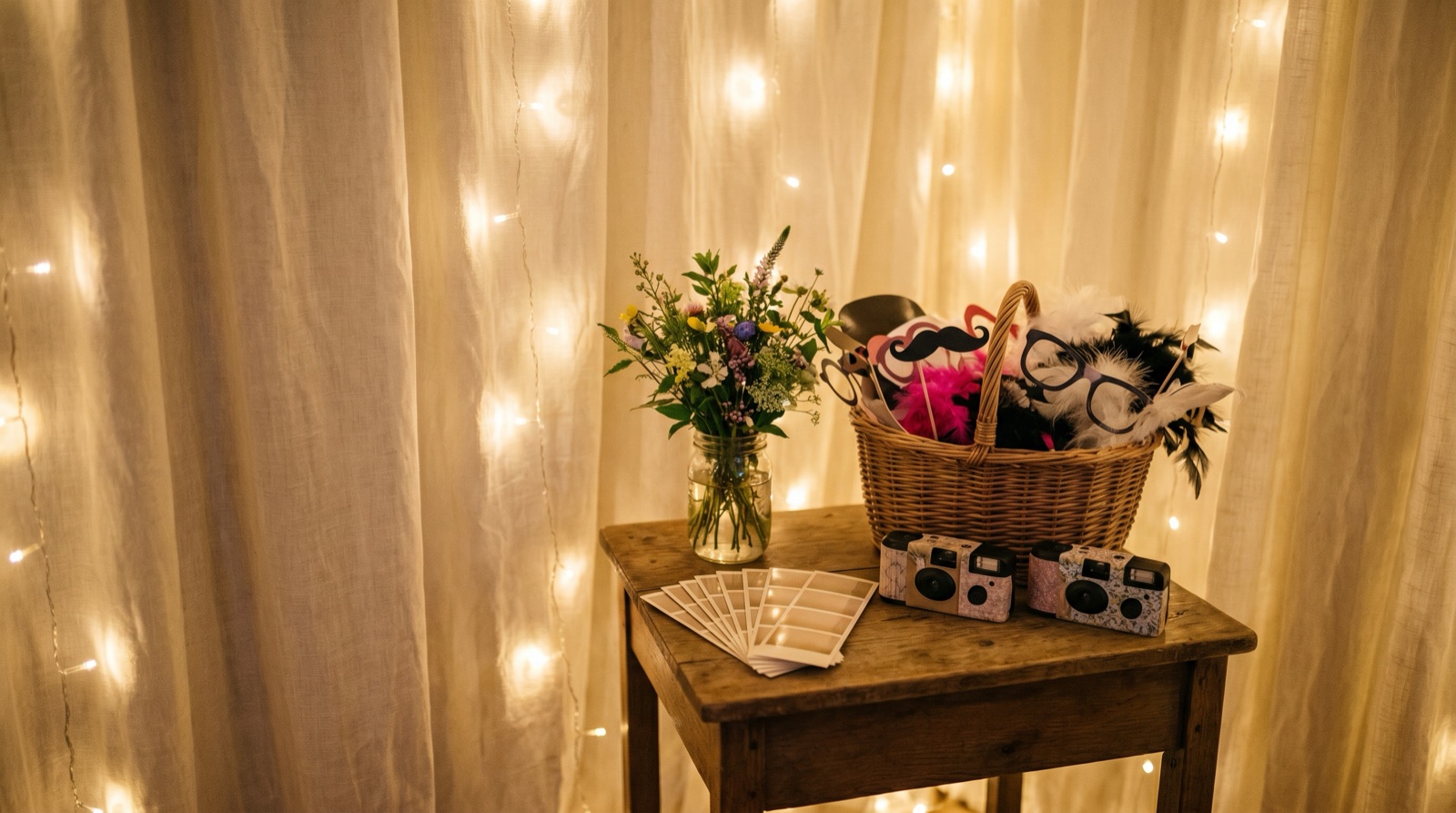
The QR-code-to-Google-Photos tradition is how 40% of your wedding photos disappear.
Here's how it usually goes: you put a little tent card on each table with a QR code linking to a shared album. Maybe 60% of your guests actually scan it — the rest didn't notice, couldn't figure out the permissions, or their phone camera doesn't do QR codes without a separate app. The guests who do scan it upload 600 photos, most of which are blurry or duplicates. Someone uploads 80 near-identical shots of the centerpiece. You spend the Sunday after your honeymoon sorting through all of it. And then, three months later, the album link breaks because someone's Google account permissions changed or they accidentally removed sharing.
There's a better version. It requires no QR code, no separate app, and no Sunday afternoon of photo sorting.
The photobooth lives where guests already are
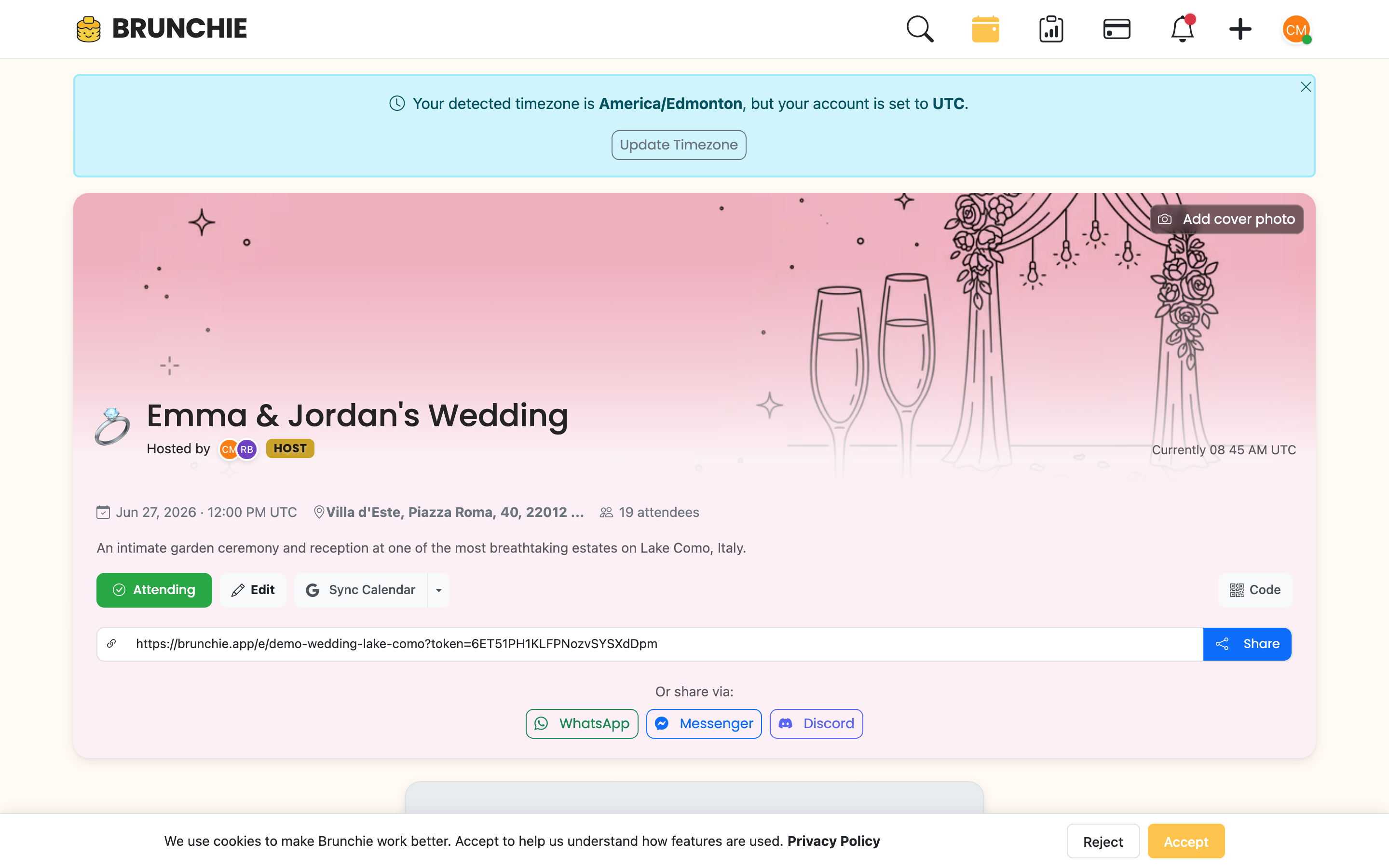
Brunchie's photobooth is built into the hangout your guests are already using. There's no separate link, no QR code to scan, no new app to download. The guests who RSVP'd to your wedding hangout already have access. They open the hangout to check the schedule, and the photobooth is right there in the Album feed — every upload lands in the same shared album, alongside text notes and voice memos from other guests.
This is the actual problem with every other shared-album solution: it requires a separate step. A QR code on a napkin is a second step. A link texted in a group chat is a second step. Anything that requires your guests to do something they weren't already doing is a second step — and every second step cuts participation in half.
When the photobooth is built into the hangout, participation is a side effect of attendance.
The Sunday after your wedding, you won't spend two hours reconciling six different albums. You'll open the app and it'll just be there — every photo, every voice memo, every GIF, in one place, already sorted by time. That's the version worth having.
What the photobooth actually captures
This isn't just a photo upload folder. Here's what guests can post:
Photos and videos. Standard captures, but displayed in a real album interface — not a list of download links. The modal shows the photo full-size, with reactions and comments.
GIFs. Short looping clips. The first dance. The ring exchange. The moment your flower girl decided she was done and sat down in the middle of the aisle.
Voice memos, with waveforms. This one is underrated. A guest records a 30-second message — a toast that didn't make the rehearsal dinner, a message from a relative who couldn't travel, a "we love you" from the childhood best friend who flew in from overseas. The voice memo is displayed with a pre-computed waveform, so it looks polished in the feed, not like a sad gray audio blob nobody knows how to play. These age well. You'll listen to them on your first anniversary.
Public vs. hosts-only posts. Every post has an audience toggle — All Guests or Hosts. This is post-level: flip it to Hosts and both the caption and the media are visible only to the couple and their cohosts. It gives guests and the host team control without requiring you to moderate everything.
A pro booth — or a roaming phone — feeds the same album. Hiring a photo-booth company? Their booth (LumaBooth, dslrBooth, and the like) can post every shot straight into this album as the night goes, so the booth pictures sit right next to the guest phone photos — no separate gallery to chase down next week. Or skip the rental: open the booth on a phone and walk the floor snapping candids, and those land in the same feed. The host wires up a vendor in seconds from Tools → Connect a photo booth (here's the vendor-side guide).
The album modal
When someone opens a photo or video from the album, it loads in a modal with autoplay-muted video (so it plays immediately without blasting audio). Reactions and comments are inline — guests respond to specific photos without the response getting lost in a general feed. It works the way a real shared album should, not the way a folder of files does.
And on the TV during the reception
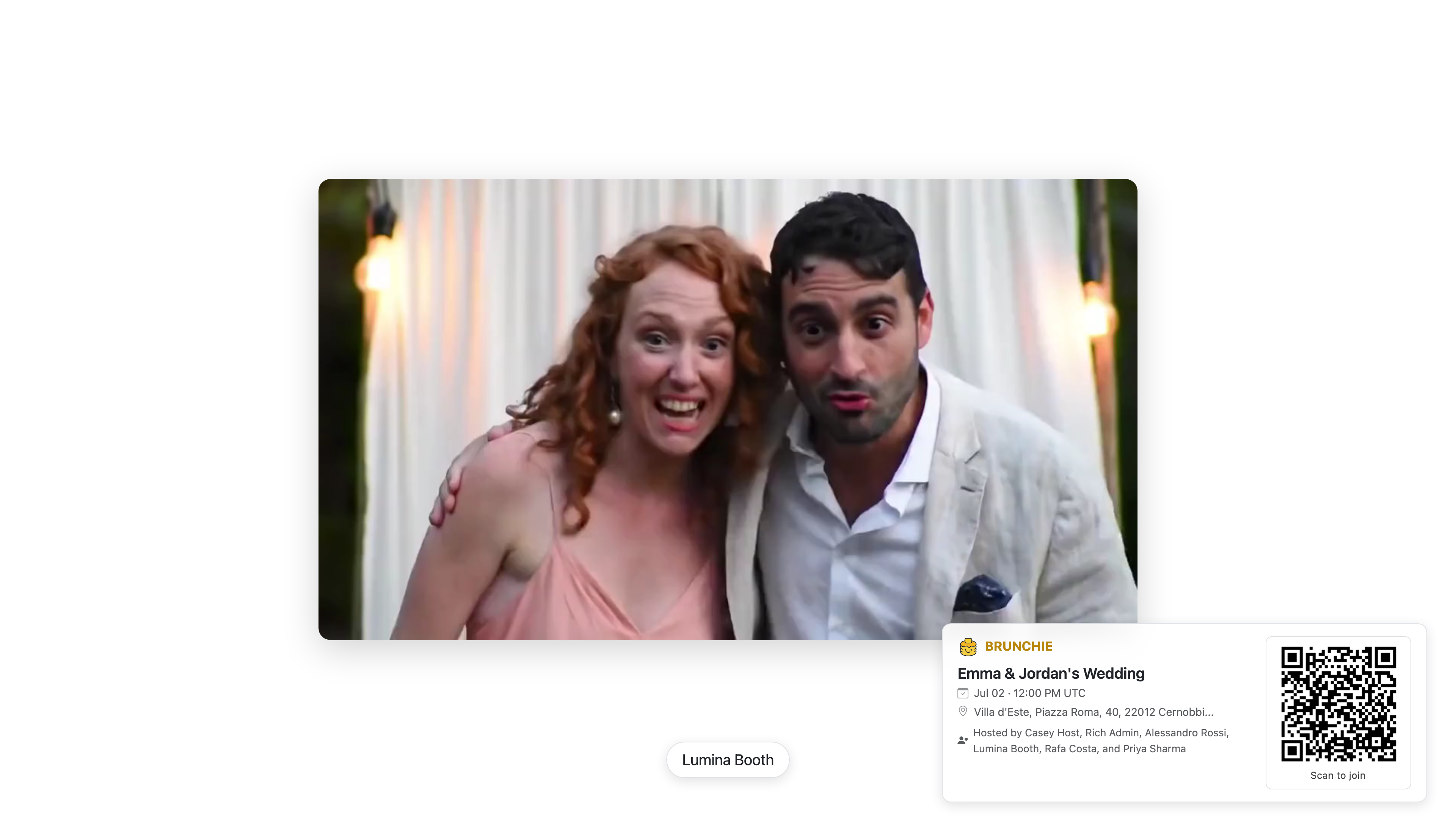
The same album feeds into the photo-slideshow presenter mode. Open the Tools tab (rightmost tab, hosts and cohosts only), find the Photo booth stream card, and tap Open in new tab to load it on the TV. The latest guest upload heroes on the screen while older shots rotate behind it. Every photo a guest takes during the reception lands on the wall ten seconds later — and stays in the shared album afterwards. One capture surface, two audiences: the people in the room watching the rotation, and the couple a year later scrolling back through it. See the photo slideshow blog post for the wall-projection walkthrough.
Post-wedding: the album stays
This is the part the QR-code approach can't replicate.
A year from now, your guests can re-open your wedding hangout and re-live the weekend. The photobooth feed is still there. The voice memos are still there. The GIF from the first dance is still there. Nobody's Google account expired. Nobody's sharing permissions changed. The album is tied to the hangout itself — not to any attendee's personal storage account — so it doesn't expire when someone changes phones, closes a Google account, or forgets they were the one holding the shared folder. The album isn't a link that decays — it's part of the hangout, which persists.
You're not going to assemble the wedding album in post. Nobody does. You'll look at the professional photos when they arrive, save your favorites, and the rest will sit on a hard drive somewhere. The photobooth is where the candid record lives — the guests' view of your wedding, not the photographer's curated edit. It's worth preserving, and it's worth doing in a way that doesn't require ongoing maintenance.
How it fits with the planning posts
If you've seen the photobooth mentioned in passing elsewhere — our free seating chart app post has a paragraph on it, the spring wedding checklist lists it as a Week 1 setup task, the wedding planning timeline mentions it for Day Of, and holiday party planning covers it for the corporate context — those are the one-liner version. This post is the full version.
The setup is minimal. When you create your wedding hangout, the photobooth is already there. You don't configure anything. You might want to tell your guests it exists — a line in the welcome message or a mention from the MC works fine — but you don't have to build it, link to it, or manage it. It's just there.
The only thing you need to do
Create the wedding hangout. The photobooth comes with it.
You can optionally set the feed to public (all guests can see each other's posts) or keep it visible only to the host team during the event if you want to moderate first. Most couples leave it fully open — the self-policing that happens in a real shared album (your aunt isn't going to post something weird because it's tied to her real account) makes moderation unnecessary.
That's it. No QR codes. No separate albums. No link-rot a year later. The photos your guests take are already in the app they're already using.
Get started at brunchie.app.
Try Brunchie free
Brunchie replaces the spreadsheet, the group chat, and the half-finished invite list. Free forever for the people we built it for.
Get started