Planning a Trip With No Cell Service on Brunchie
Plan a trip into a no-signal zone — alpine trek, cave system, multi-day backcountry trip — without losing the itinerary, the gear list, or the expense math the moment everyone's phones go dark. Pre-loaded hangouts, offline-friendly checklists, and a photobooth that catches up when bars come back.
Why off-grid trips need a different plan
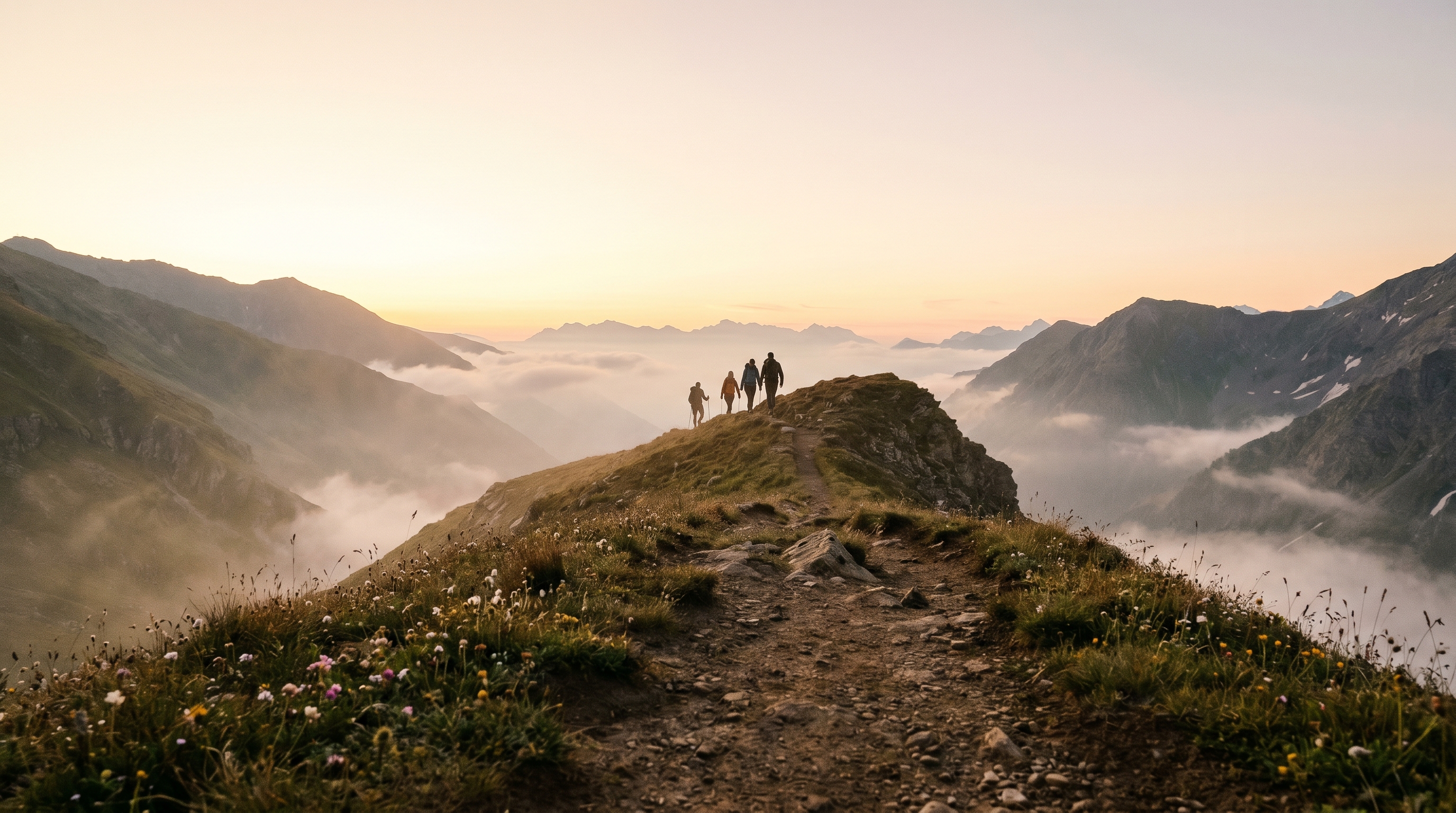
The standard group-trip death loop is too many texts and not enough decisions. The off-grid version is worse: the group makes decisions on day one, loses signal on day two, and discovers on day three that the itinerary in the WhatsApp thread is now stale, the expense math is in someone's head, and the gear list is a screenshot somebody took on their old phone.
The fix isn't paper printouts. It's loading the trip into a single shared place before everyone goes dark, and trusting that place to show up correctly when phones come out at the camp, the hut, the cave entrance, the summit. Brunchie is built for that — once a hangout is loaded on a device, it opens offline. The itinerary, the attendee list, the gear poll, the expense balances, the photobooth — all there, even at 3,500m with zero bars.
This guide is the playbook for any trip into a no-signal zone. If you want a worked example, the Mount Roraima trek post runs the whole pattern end-to-end with a six-person, two-currency, six-day trip. The mechanics below are the same regardless of whether the no-signal zone is a tepui in Venezuela, a cave system in Kentucky, the Cascades, or the Sierra.
Step 1 — Decide while everyone still has signal
The off-grid trip has a strict planning window: every group decision has to be locked in before the group leaves the last cell tower. That means polls close earlier, the gear list goes hard the week before, and the route is set the day you land at the trailhead.
What → run three Brunchie polls in sequence:
- Trip type and dates. Two or three options, hard close two weeks out. The off-grid window for popular trips (Roraima dry season, Cueva de los Tayos guided slots, the Wonderland Trail permit lottery) closes early; you can't be casual.
- Pace group. "Long and steep" vs "scenic and shorter" — same pattern as the hiking trip planning guide, but more important off-grid because nobody can text the slow person to ask where they are.
- Gear ownership. Tents, stoves, water filters, headlamps, satellite messenger. Each option in the poll is the gear item; the votes are "I have one to bring." What doesn't get a vote becomes the rental list.
Why → off-grid groups can't course-correct in the field. The decisions made in the parking lot have to be the right ones because nobody's checking their phone at camp.
So what → polls force the conversation onto a deadline and produce a single artifact everyone sees the same way. Same poll mechanics as on a wedding RSVP — the engine doesn't care about the topic.
The trips that go sideways are the ones where someone "didn't see the gear poll." Pin the poll to the hangout banner so it's the first thing everyone sees when they open the link the day before.
Step 2 — Coordinate: pre-load the hangout

The single most important off-grid step is also the easiest to forget: get every device in the group to open the Brunchie hangout once before signal disappears. One open caches the show page, the attendee list, the itinerary, the gear poll, and the photobooth shell. After that, the hangout opens offline on every device for the duration of the trip.
What → 24 hours before the group goes dark, send the hangout link in the trip group chat with a short note: "open this once on your phone before we lose bars." That's it. The device handles caching automatically.
Why → Brunchie's offline mode loads the cached version of the hangout when the network is unreachable. A device that has never opened the hangout has nothing to cache; a device that opened it once has everything.
So what → the gear list, itinerary, attendee names, and expense balances all show up at the camp without signal. The connectivity banner at the top of the screen tells everyone clearly that they're seeing the cached version, so nobody is confused into thinking they're seeing live data.
The cabin Wi-Fi the night before is the perfect moment for this. So is the airport gate. So is the trailhead parking lot before the last bar drops. Pick the moment, send the message, walk away.
Step 3 — Spend: write down what you spent, log it the next time you have bars
Off-grid expense entry is paper-and-camera-roll, not in-app. Brunchie blocks expense create when offline because the splitter affects shared who-owes-what state — two people queueing conflicting splits from different connectivity states is exactly the merge problem we don't want. So:
What → on the trail, write the expense on the back of a receipt or take a photo of the receipt with the time + payer noted in the camera roll caption. The minute the group hits Wi-Fi at the cabin / the trailhead café / the guesthouse Wi-Fi at the bottom, log everything into Brunchie's expense splitter. It takes ten minutes and the math is right for everyone.
Why → off-grid trips are the worst venue for "let's settle up at the end" because nobody remembers what they paid for, in what currency, on day three. Photo receipts + a quick logging pass at the next bars solves this without inventing a queued-edit system that has to merge two people's parallel intentions.
So what → the math is right when the trip ends. No "I think I covered the cabin" arguments at the airport bar — and no surprises three days later when someone's queued split overwrites the host's correction.
Multi-currency is the bonus here. Roraima is bolívares + USD. Iceland is krónur + USD. Cordillera Huayhuash is soles + USD. The expense splitter handles each leg in its own currency, then settles in everyone's home currency on the way home.
Step 4 — Remember: photos queue and sync when bars come back
The photobooth on a Brunchie hangout is the trip's shared album, AND it's the one offline-edit surface that does work — because each photo upload is append-only (your photo, no overlap with anyone else's). Offline photos queue on your device and upload automatically when signal returns. By the time the group is at the bar at the bottom of the trail, the album is full.
What → tell the group on day one: "post to the hangout, not to your camera roll." Photos go in once, everyone sees them when reconnected. The hangout shows a small "queued" badge on each pending photo so nobody panics about losing their summit shot.
Why → the alternative is the post-trip group-chat dump where seven people drop fifty photos into WhatsApp over the next week, six of which are blurry, and nobody can find the summit shot when they want to post it. The photobooth fixes this.
So what → the trip ends with one shared album that everyone has access to forever. Not a thread that scrolls into oblivion.
Photos are the exception that proves the offline rule: they queue because two people uploading "their" summit shot can't conflict. Edits to a shared list of expenses, a shared checklist, or a shared spreadsheet — those need internet.
What does NOT work offline (be honest)

Brunchie's offline mode is read everything, edit when reconnected. Specifically:
- Reading any cached page works offline: itinerary, gear list, attendees, expenses, posts, comments, the spreadsheet. The hangout page shows a banner: "You're offline — showing the version loaded N min ago."
- Photobooth uploads work offline (queue + auto-sync, see Step 4).
- Editing shared resources is blocked offline with a clear "Needs internet" message:
- Checklist toggle, expense create, comment, RSVP change, spreadsheet cell edit.
- Send invites, settle Stripe, charge a payment link.
- Live RSVPs from new invitees need the inviter online.
- Real-time presenter mode needs a live server connection.
The mountain doesn't care about your network plan. Pre-load, read freely, post photos as you go, and do your editing at the next bars.
Deep dives
- Mount Roraima trek (six days, two currencies, six people) — the worked example. Covers the day-by-day, the Paraitepuy starting point, the permit math, the porter tip splits, the cave-day photo queue.
The off-grid pattern is the same regardless of mountain. The mechanics in this guide are what makes it work.
Deep dives
Specific scenarios — pick the one closest to your group's plan.
By destination
More deep dives
Common questions
Does Brunchie work without cell service?
How do I make sure the group has the hangout pre-loaded before we lose signal?
Will the photobooth work without signal?
Why can't I check off a packing item or add an expense from the trailhead?
We're going to Mount Roraima / a cave system / the backcountry. Anything specific?
Try Brunchie free
Brunchie replaces the spreadsheet, the group chat, and the half-finished invite list. Free forever for the people we built it for.
Get started