**Event Check-In Guide**
Check guests in at events using **QR codes on tickets or confirmation emails**, scanned with a phone or tablet that updates your guest list in real time — so you can ditch **clipboards and spreadsheets** completely. Here’s a UK-friendly version of your heading/summary: **Check in guests with QR codes — no clipboards, no spreadsheets, no faff**
Event Check-In with Brunchie
Check in guests quickly with QR codes. Guests show their code, you scan — done. No clipboards, no spreadsheets, no faff.
Step 1: Create your event
Create a hangout in Brunchie and add your event details. Each attendee gets their own unique QR code when they join.
Step 2: Share the event link
Send the event link or QR code to guests. They can join via link, QR, or email invite — no app download needed to RSVP.
Step 3: Check in at the door
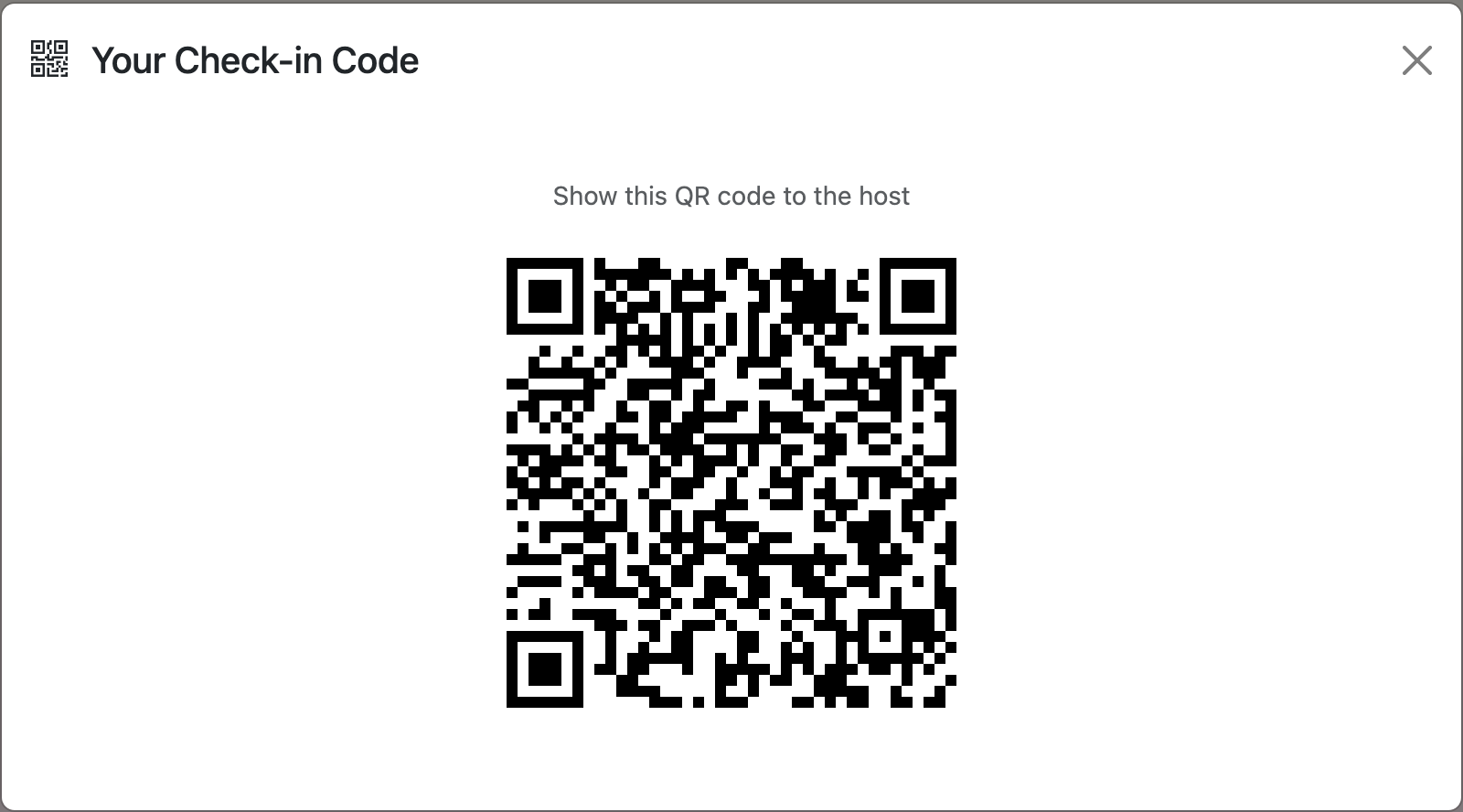
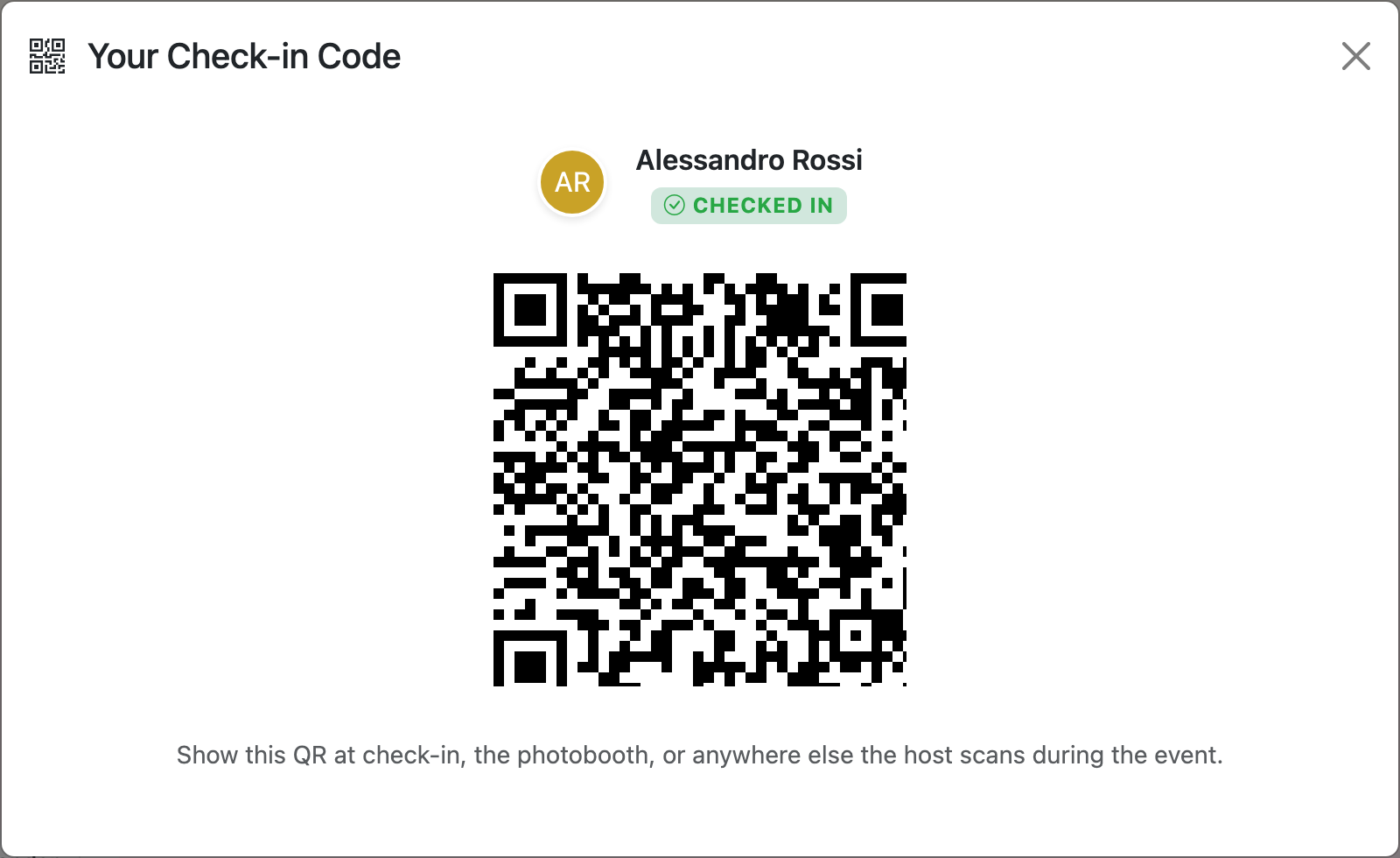
Guests show their personal QR code on their phone. Use the Scan button to check them in. Seating assignments and attendee lists stay in one place — no rifling through papers.

Tip: pair with the lobby telly
Check-in usually has a queue. While guests wait, throw the event info countdown up on a telly nearby — title, live countdown, venue QR for the parking-lot stragglers. Or run the seating chart on the screen so people who’ve already checked in can find their table without asking. See the Presenter Mode guide for both modes.
Common questions
Yes, guests can **check themselves in**. If you switch on **self check‑in**, guests can arrive any time after your set check‑in time and **let themselves in using a smart lock, keypad, lockbox or similar**, following the instructions you send them in advance.
If a guest turns up without their phone or QR code, they can still get in — they’ll just need a bit of old‑school help. Here’s how to handle it: - **Look them up manually** in your Brunchie dashboard using their name or email, then check them in on your side. - If they weren’t pre‑registered, **create a new walk‑in visit** with their details and check them in that way. - If you normally scan QR codes from printed invites, they can **use a printed version** instead of their phone (if they brought one along). No phone, no QR, no drama – you can always fall back to a manual check‑in in Brunchie.
You can see who hasn’t checked in yet, but only on live events that are already open for check‑in. Here’s how to do it in Brunchie: - Go to your **event** in Brunchie. - Open the **Check‑ins** tab. - Switch the filter from **“Checked in”** to **“Not checked in”** – this shows everyone who’s still missing. - If you’re using QR or kiosk mode, this list updates in real time as people arrive. If you don’t see a “Not checked in” filter on your account, it just means that view isn’t turned on for your plan yet – drop us a note and we’ll help.
Yes. If your Brunchie setup includes the **Lobby Display / lobby TV** feature, the TV can show each guest’s **check‑in / queue status** (for example: waiting, being helped, or called forward), so people can see where they are in line without asking the team.
Yep, the **QR check-in feature is free** to use on Brunchie.
Try Brunchie free
Brunchie replaces the spreadsheet, the group chat, and the half-finished invite list. Free forever for the people we built it for.
Get started