Event Check-In Guide
Check in guests at events with QR codes — no clipboards or spreadsheets
Event Check-In with Brunchie
Check in guests quickly with QR codes. Guests show their code, you scan — done. No clipboards, no spreadsheets, no chaos.
Step 1: Create your event
Create a hangout in Brunchie and add your event details. Each attendee gets a unique QR code when they join.
Step 2: Share the event link
Send the event link or QR code to guests. They can join via link, QR, or email invite — no app download required to RSVP.
Step 3: Check in at the door
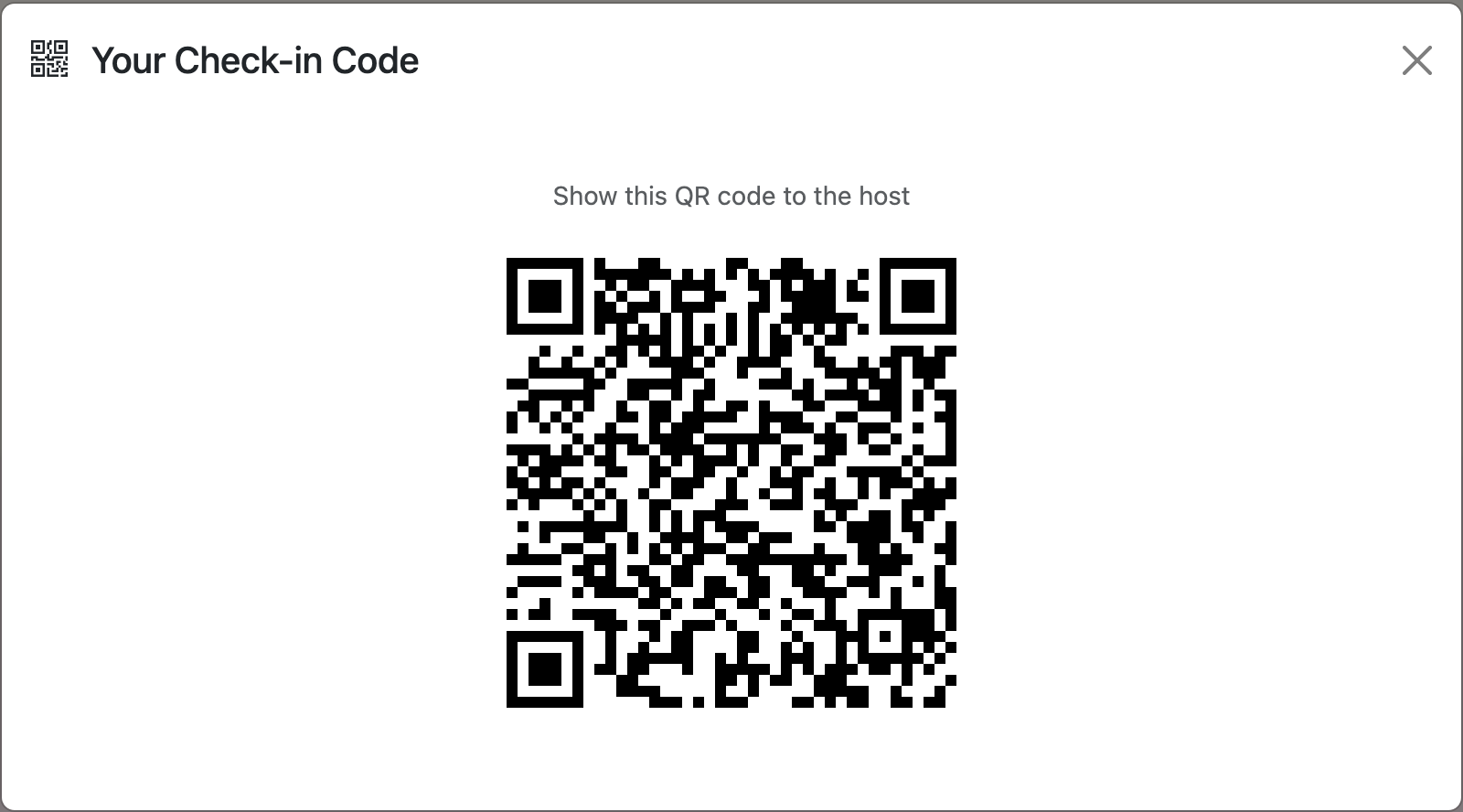
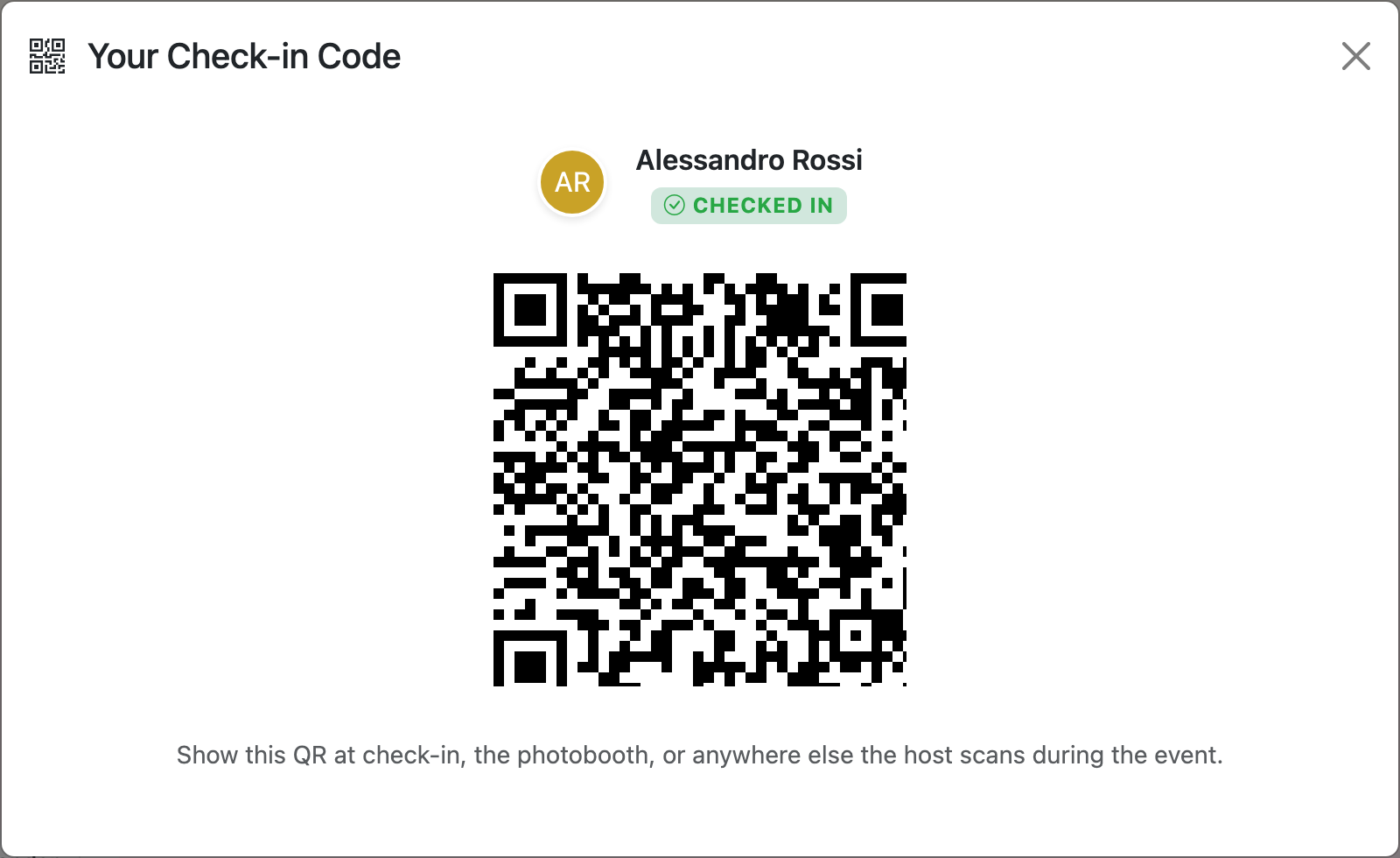
Guests show their personal QR code on their phone. Use the Scan button to check them in. Seating assignments and attendee lists stay in one place — no digging through papers.

Tip: pair with the lobby TV
Check-in usually has a line. While guests wait, throw the event info countdown up on a TV nearby — title, live countdown, venue QR for the parking lot stragglers. Or run the seating chart on the screen so people who've already checked in can find their table without asking. See the Presenter Mode guide for both modes.
Common questions
Can guests check themselves in?
What if a guest doesn't have their phone or QR code?
Can I see who hasn't checked in yet?
Can the lobby TV show check-in status?
Is the QR check-in feature free?
Try Brunchie free
Brunchie replaces the spreadsheet, the group chat, and the half-finished invite list. Free forever for the people we built it for.
Get started